
-
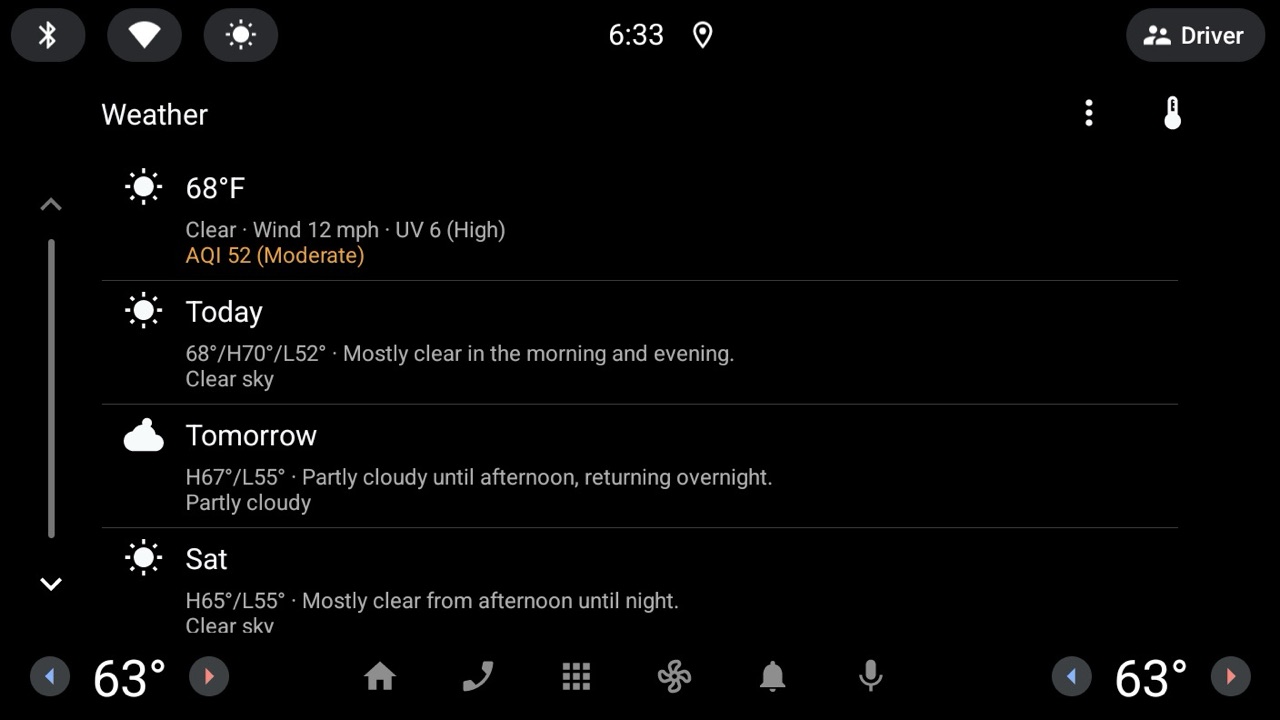
Current Conditions
Temperature, wind, and air quality at a glance
-
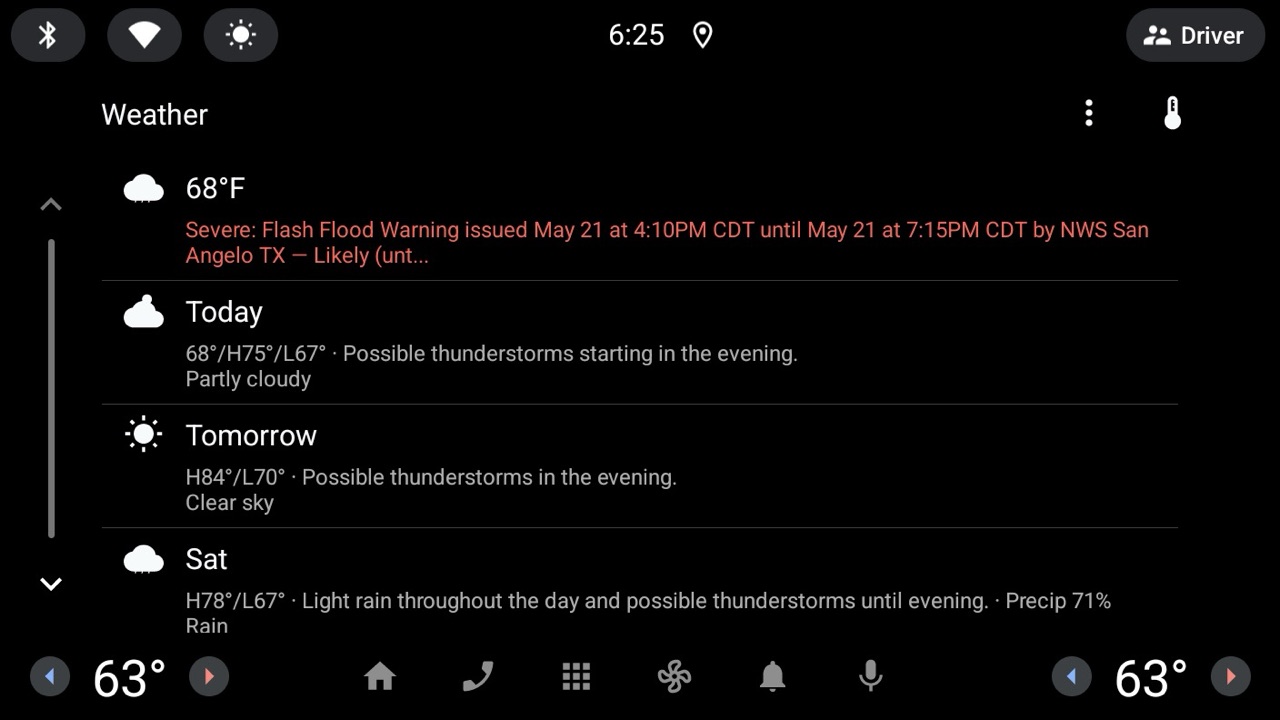
Severe Weather Alerts
Alerts from national weather services, sorted by severity
-
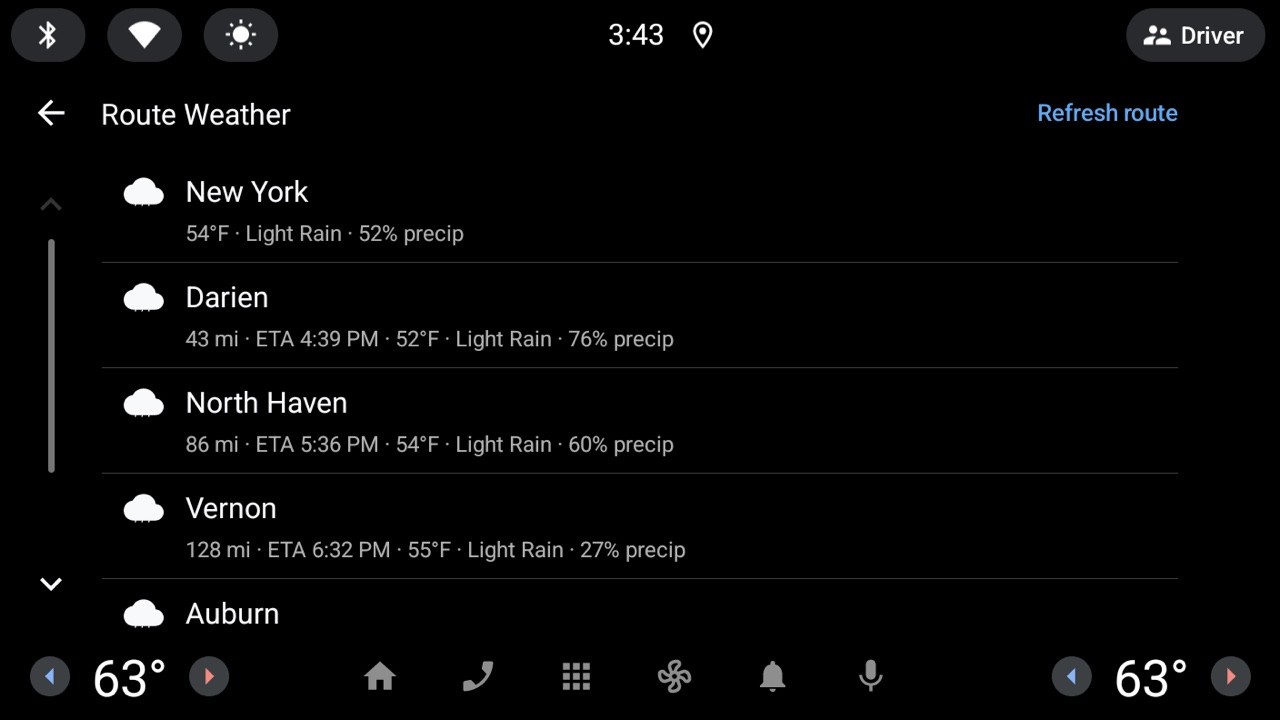
Route Weather
Conditions for the drive, not just destination


Works on all vehicles running Android Automotive OS with Google built-in
-
 2 · 3 · 4 · 5
-
 EX30 · EX40 · EX60 · EX90 · XC40 · XC60 · XC90 · S90
-
 Equinox EV · Blazer EV · Silverado EV · Silverado · Tahoe · Suburban · Corvette · Trax
-
 Sierra EV · Sierra · Hummer EV · Yukon · Acadia · Canyon
-
 LYRIQ · ESCALADE IQ · Escalade · OPTIQ · VISTIQ · CT5 · Celestiq
-
 Enclave · Envision
-
 Prologue · Accord · Civic · CR-V · Pilot · Passport · Prelude
-
 ZDX · ADX · MDX
-
 Explorer · Expedition
-
 Aviator · Nautilus · Navigator
-
 Rogue · Murano · Armada · Leaf
-
 QX80 · QX60
-
 Megane E-Tech · Scenic · Austral · Captur · Rafale
-
 CX-5
CX-5
Frequently Asked Questions
Which cars support Dart Weather?
Any vehicle running Android Automotive OS with Google built-in — Polestar, Volvo, GM (Chevrolet, GMC, Cadillac, Buick), Honda/Acura, and newer Ford, Lincoln, Nissan, Renault, and Mazda trims. If the head unit has the Play Store, it runs Dart Weather.
Do I need a phone or a subscription?
No phone or subscription needed — Dart Weather runs on the head unit itself. It does need internet, though: your vehicle’s built-in connectivity (or a Wi-Fi hotspot) is what carries live weather data to the head unit.
How is my location used?
Your coordinates go straight to the weather providers to fetch local conditions — never stored on a server or tied to an identity.
What severe-weather coverage do I get?
Alerts come straight from your region’s national weather authority — the National Weather Service in the US; ECCC, JMA, MeteoAlarm, and more elsewhere — merged and de-duplicated with the weather provider’s alerts.
When will it reach general release?
It’s entering open testing on Google Play now, with a full launch shortly after.
How do I report a bug?
Email weather@dart.art and we’ll take a look.